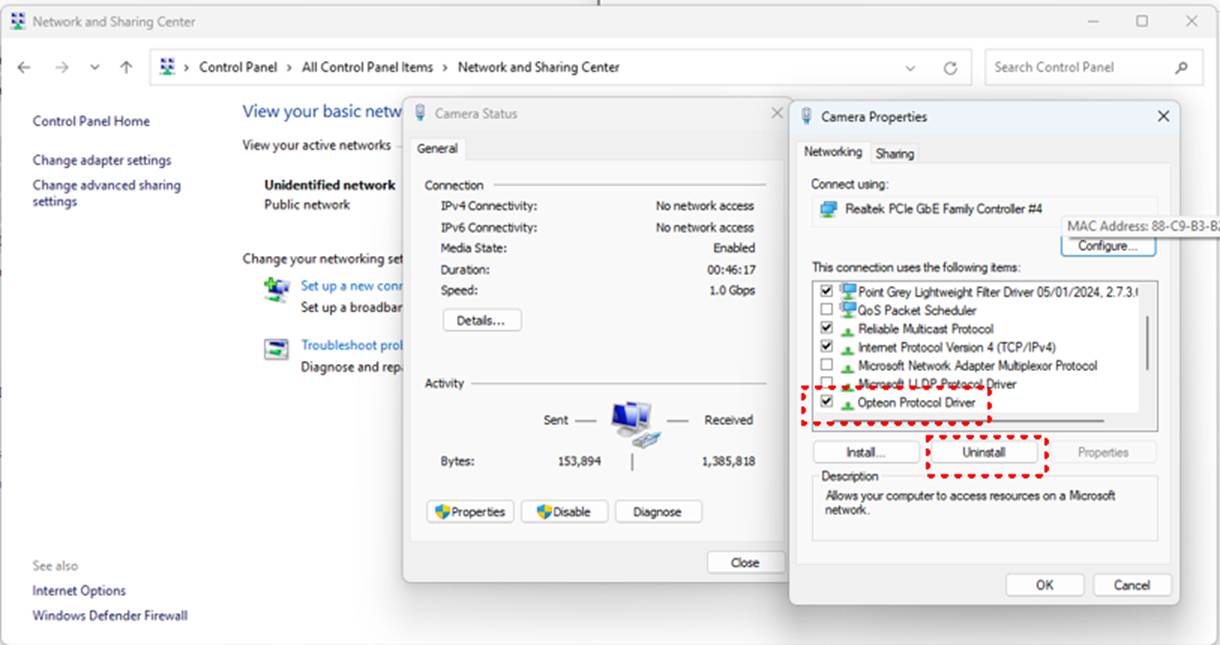
Only happen on Windows 11
Symptoms:
- When accessing the network via the Windows network icon located near the date/time display at the bottom right of the monitor, Benchmark communication connection issues occurred.
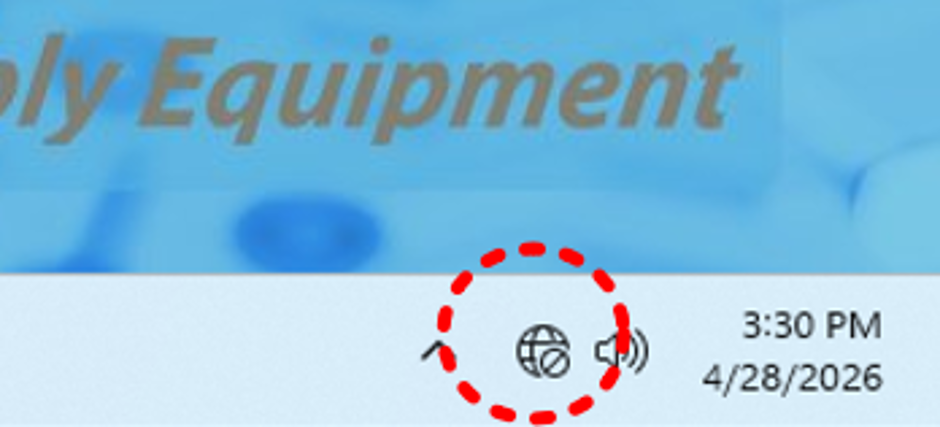
- Multiple errors appear starting from Node ID 66.
- After the network connection error occurs, reconnecting to the Benchmark server is not possible.
- Require powering down and disconnect the main circuit breaker in order to initialize the machine.
Solution:
- Uninstall the Opteon Protocol Driver and reboot the system.